The real question you should be asking
If you're starting your cybersecurity journey, you've probably asked the classic question: "What is the best laptop for cybersecurity?"
That is actually the wrong question.
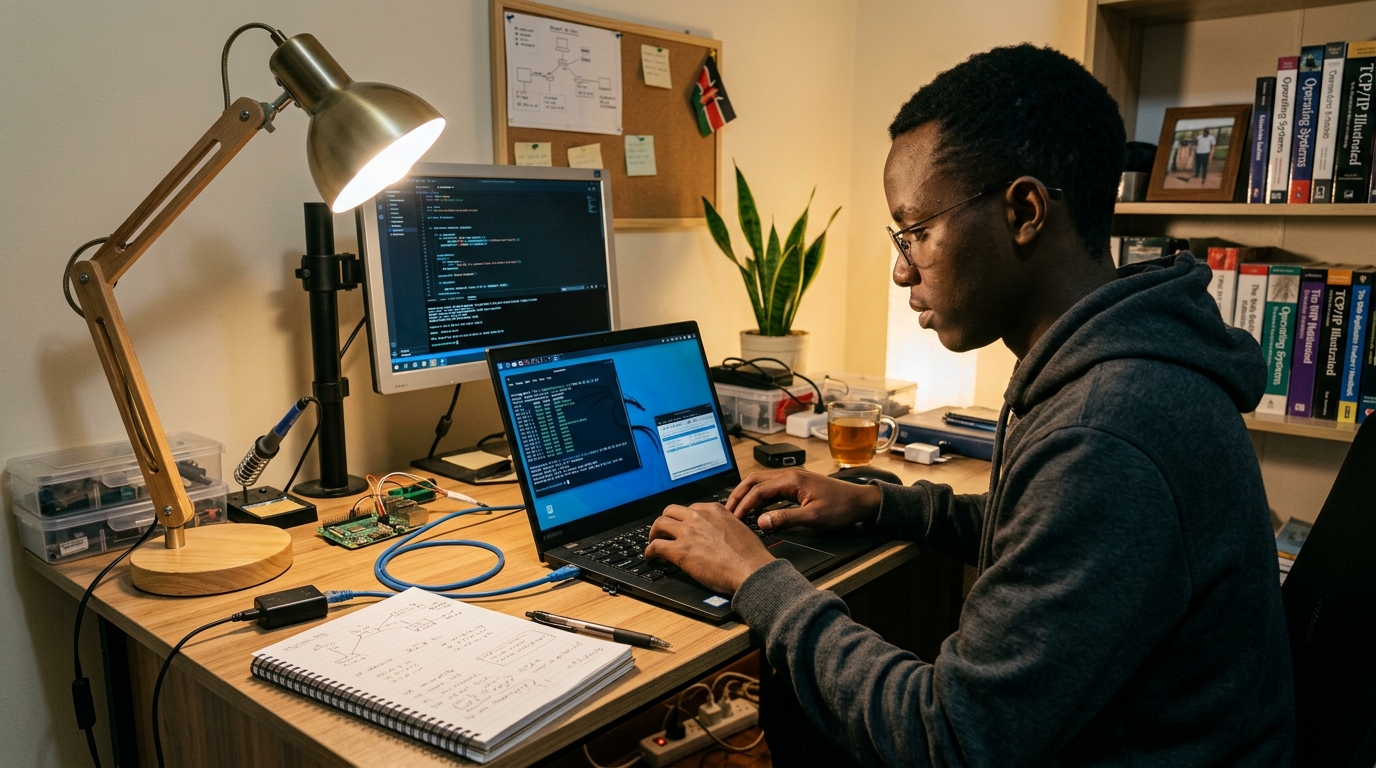
The right question is: "What workload am I trying to run, and can this laptop handle it sustainably?"
You don't need a three-million-Naira machine to start learning. Many beginners assume they need a high-end gaming laptop or the latest MacBook Pro to run a few network scans. This just isn't true. At the same time, if you buy a cheap laptop with a weak processor and un-upgradeable memory, you'll hit a wall very quickly when you start building your own virtual lab.
In this guide, we'll break down exactly what you need, what you can skip, and how to make a smart buying decision — whether you are looking at new machines in Lagos or considering UK-used options in Ikeja Computer Village.
What cybersecurity actually requires from a laptop
Most basic computer tasks — like browsing, writing code, or watching videos — stress only one or two parts of your computer at a time. Cybersecurity is different because of one specific requirement: Virtualization.
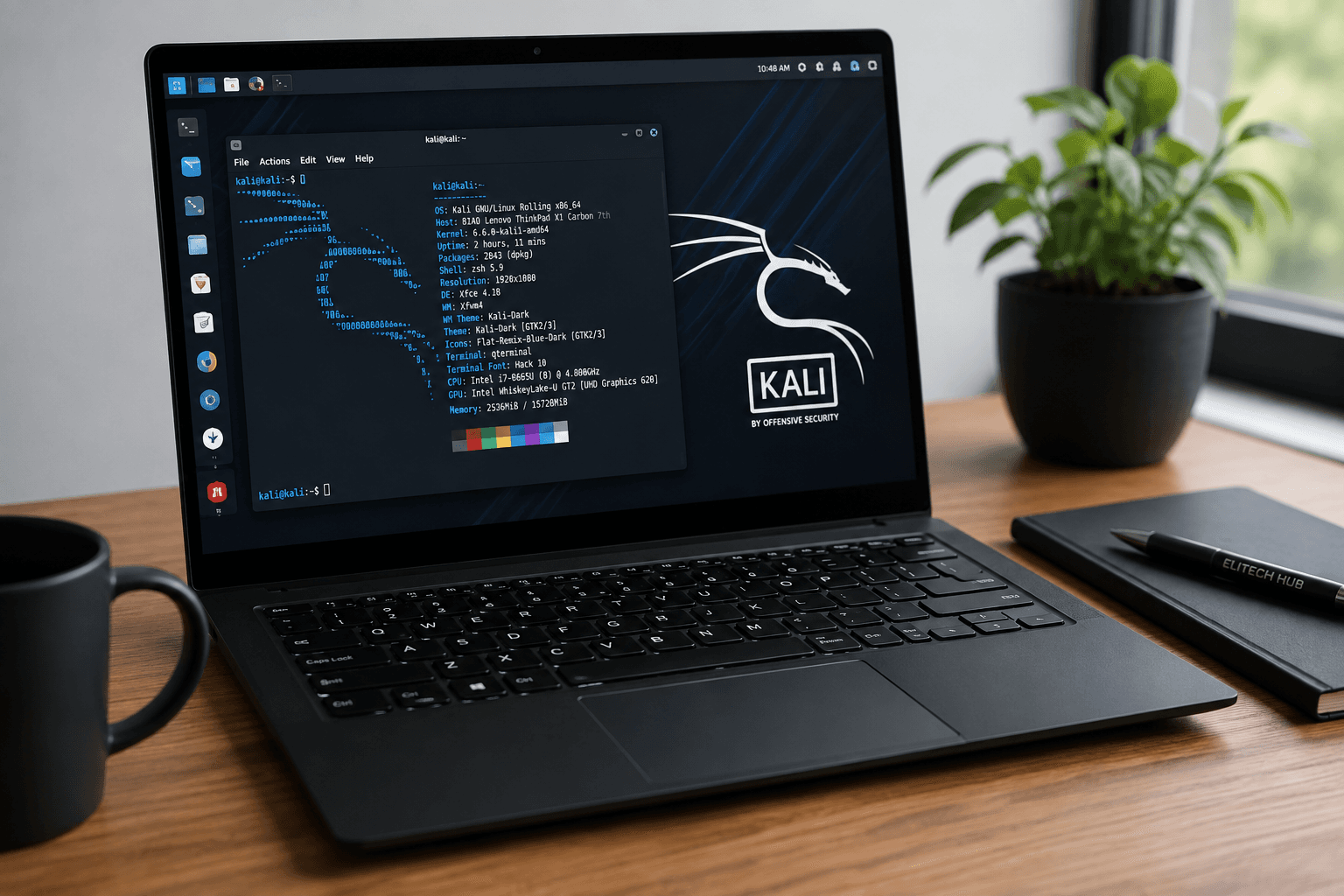
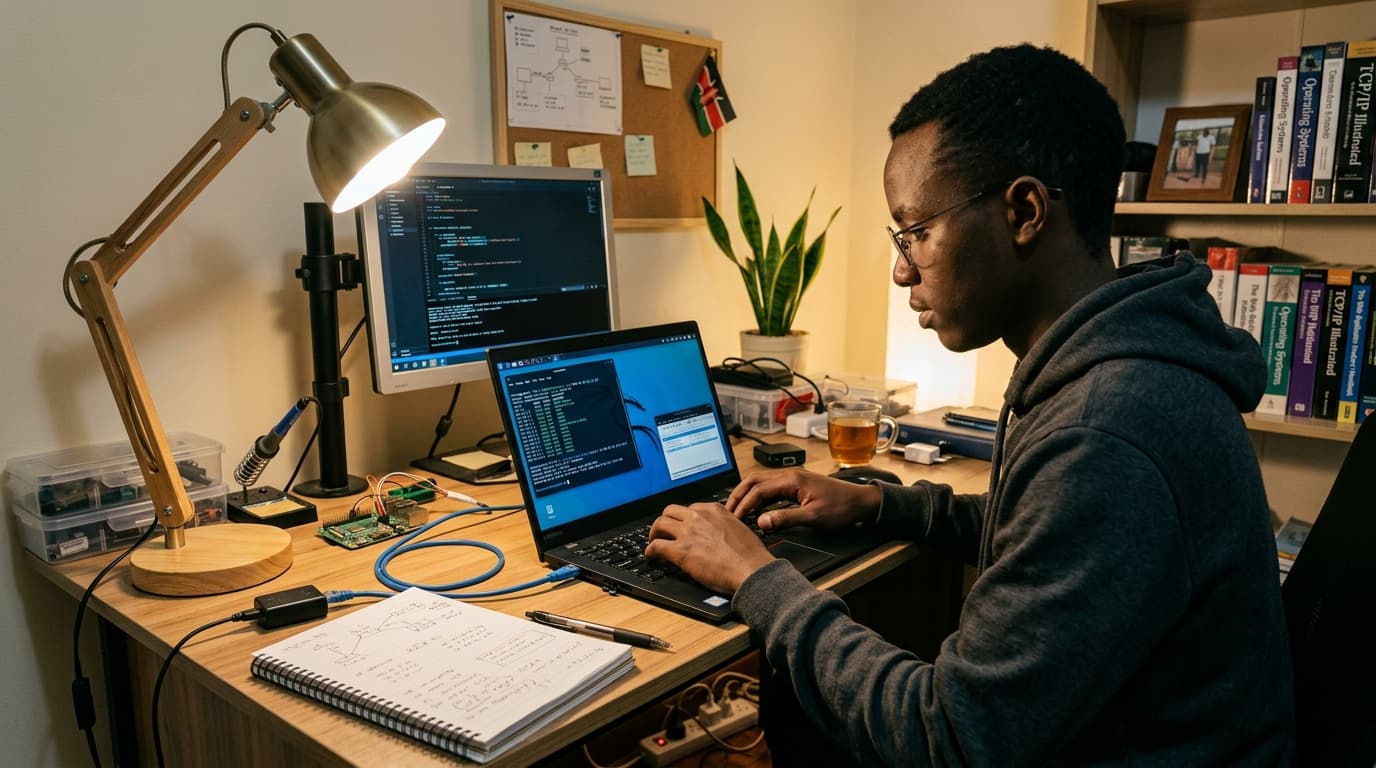
To learn penetration testing, malware analysis, or network defense safely, you can't practice on your main operating system. You need to create virtual machines (VMs) — essentially computers running inside your computer. When you run a VM, you are physically splitting your computer's resources.
If you have an 8GB RAM laptop and you start a Kali Linux VM that needs 4GB of RAM, your main laptop now only has 4GB left to run Windows, your browser, and your notes. This is why a laptop that feels fast for normal work might suddenly crawl when you start doing cybersecurity tasks. Understanding how to structure your cybersecurity learning path is important, but having the hardware to support that path is essential.
The specifications that matter (and why)
1. CPU (The Processor)
The processor is the brain of your laptop. For cybersecurity, you don't necessarily need the fastest single-core speed (which gamers care about). You need multiple cores and threads because each VM you run will need its own dedicated processing power.
- Cores vs. Clock Speed: More cores are generally better than faster cores when running multiple operating systems at once.
- Generations matter: An Intel Core i5 from the 12th generation (like the i5-1235U) is significantly more powerful than an i7 from the 8th generation. Don't just look at "i5" or "i7" — look at the generation number.
- Virtualization support: Your CPU must support virtualization (Intel VT-x or AMD-V). Almost all modern CPUs do, but you often need to enable it in the BIOS. Understanding what makes a laptop good for cybersecurity virtual machines is crucial here.
2. RAM (Memory)
RAM is the short-term memory of your laptop, and it is usually the first bottleneck cybersecurity students hit.
- 8GB RAM: This is the realistic minimum for a beginner. It allows you to run Windows, a browser, and one lightweight Linux VM comfortably.
- 16GB RAM: This is the sweet spot. With 16GB, you can run an attack machine (Kali) and a target machine (Windows) simultaneously without your system freezing.
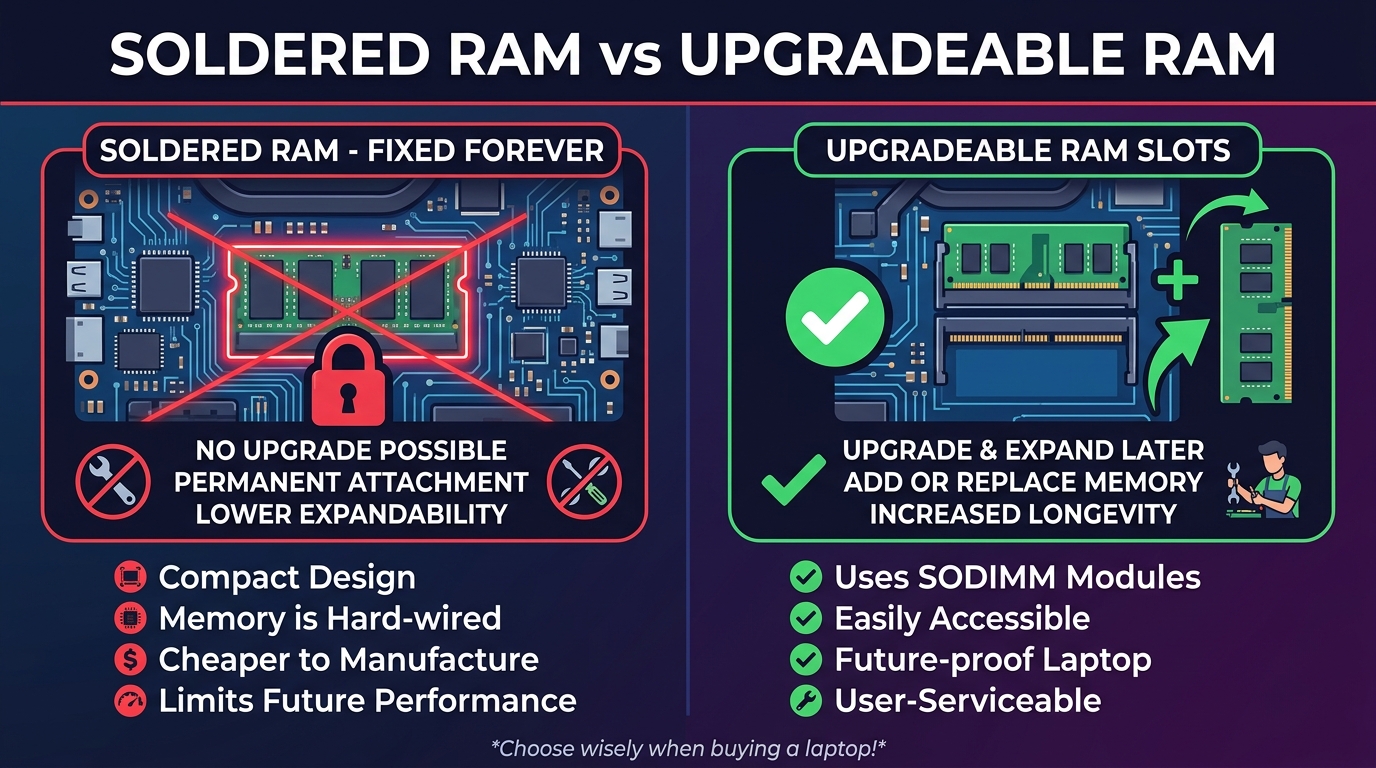
- Soldered vs. Upgradeable: This is critical. Many modern laptops have "soldered" RAM — permanently attached to the motherboard. You cannot add more RAM later, ever. Always try to buy a laptop with upgradeable RAM slots so you can grow as your workload grows.
For a deeper dive into this specific component, read our guide on how much RAM you actually need for cybersecurity.
3. Storage (SSD vs. HDD)
Never buy a laptop with a Hard Disk Drive (HDD) as its primary drive. HDDs will kill your VM performance. You need a Solid State Drive (SSD).
While 256GB sounds like a lot, a typical Windows VM can easily take up 40GB to 60GB, and Kali Linux will take another 20GB to 40GB. Add your main operating system, tools, and snapshot backups, and 256GB vanishes. 512GB is the recommended starting point.
4. Operating System Compatibility
Windows is perfectly fine and is the easiest for beginners — tools like VMware Workstation or VirtualBox run smoothly on it. If you want to install Linux as your main operating system, be careful: some laptops have Wi-Fi chipsets (like certain Realtek models) or graphics cards that don't have good Linux drivers out of the box.
What most articles miss: The hidden specs
Spec sheets don't tell the whole story. Here are practical realities you will face that most buying guides ignore:
- Thermal Throttling: A laptop with a powerful CPU but poor cooling is useless for sustained work. When you run multiple VMs, your CPU generates heat. If the laptop can't cool itself, it will intentionally slow down the CPU (thermal throttling) to prevent damage. Suddenly, your powerful i7 performs like an i3.
- The "Gaming Laptop" Trap: Many students buy budget gaming laptops because they have great specs on paper. The reality? They usually have terrible battery life (often under 2 hours off the charger), weigh a heavy 2.5kg, and have massive power bricks. If you carry it to classes in Lagos traffic, you'll regret it quickly.
- Port Availability: In cybersecurity, you often plug in external Wi-Fi adapters for packet sniffing, USB drives, and external monitors. A laptop with only one or two USB-C ports means you'll be living a life of dongles.
- BIOS/UEFI Access: For UK-used corporate laptops, check that the BIOS is not locked with a password. You need access to enable virtualization. If it is locked, do not buy it.
Realistic workload scenarios
Let's look at what hardware you actually need based on where you are in your learning journey.
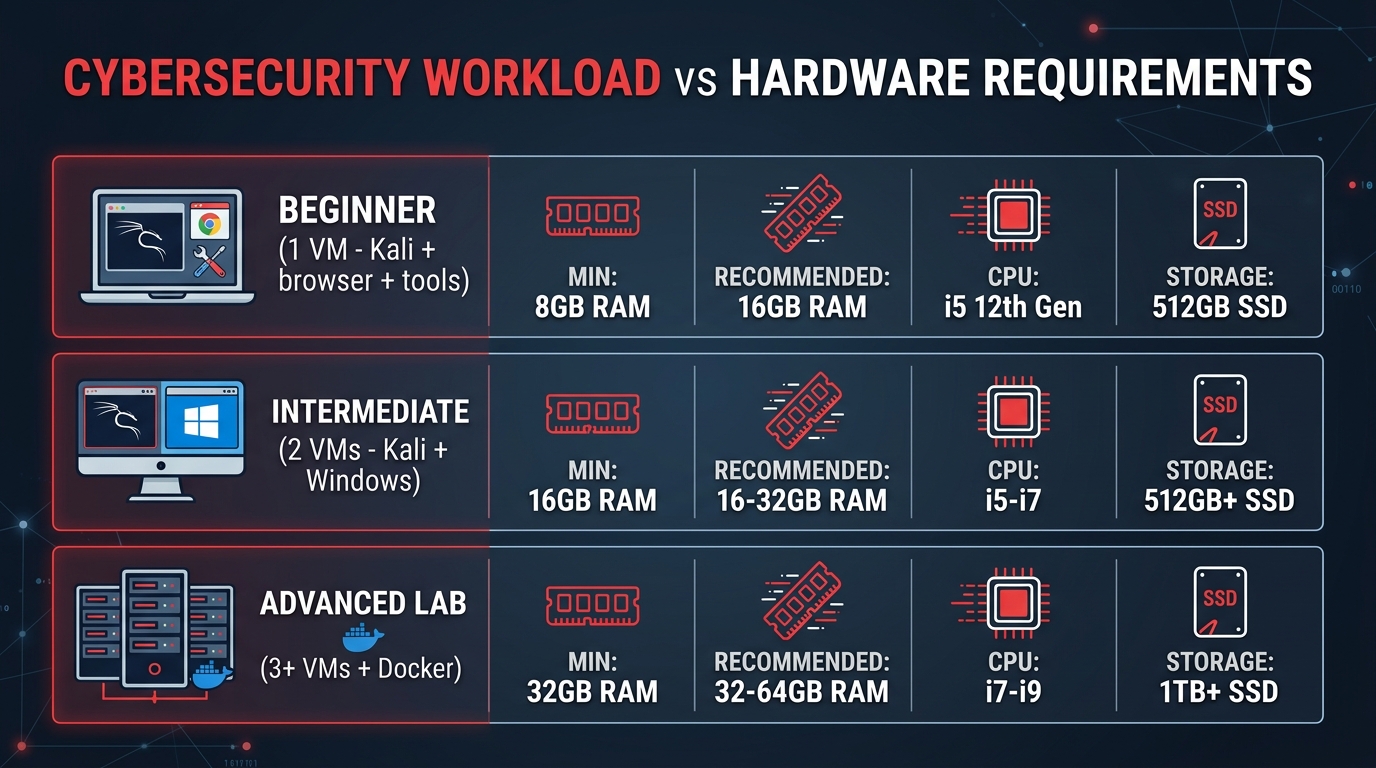
| Use case | Min RAM | Recommended | CPU | Storage |
|---|---|---|---|---|
| Beginner (1 VM + browser + tools) | 8GB | 16GB | i5 12th Gen+ | 512GB SSD |
| Intermediate (2 VMs simultaneously) | 16GB | 16–32GB | i5/i7 12th Gen+ | 512GB+ SSD |
| Advanced lab (3+ VMs + Docker) | 32GB | 32–64GB | i7/i9 or Ryzen 7/9 | 1TB+ SSD |
New vs. UK-used laptops in Nigeria
In Nigeria, the price difference between a brand new laptop and a "UK-used" (refurbished) laptop is significant. UK-used laptops can offer incredible value for cybersecurity students. A sturdy, 3-year-old enterprise laptop like a Lenovo ThinkPad or Dell Latitude is often better for a lab environment than a brand new entry-level consumer laptop.
However, if you are buying used, you must verify:
- Battery Health: Running VMs drains batteries fast. Ask the vendor to generate a battery health report before you buy.
- RAM Upgrades: Open the back (or have the vendor do it) to confirm the RAM is not soldered and has an open slot for a future upgrade.
- BIOS Passwords: Corporate laptops sometimes have locked BIOS settings. You need access to the BIOS to enable virtualization. If it is locked, do not buy it.
The starting point for most learners
If you're looking for reliable machines right now, Elitech-Hub has vetted a few brand new options that fit the beginner and early-intermediate bill. All have 12th or 13th generation processors and 512GB SSDs, meaning their core counts are excellent for starting virtualization and you will not run out of space immediately.
- HP 250 G9 (Intel Core i5-1235U 12th Gen, 8GB RAM, 512GB SSD — ₦1,250,000): An excellent choice for SOC monitoring and threat intelligence training. The 12th Gen CPU handles a single VM effortlessly.
- Lenovo V15 G3 (Intel Core i5 12th Gen, 8GB RAM, 512GB SSD — ₦1,300,000): A solid foundation for endpoint security studies and early penetration testing work.
- Dell Vostro 3530 (Intel Core i5 13th Gen, 8GB RAM, 512GB SSD — ₦1,235,000): Great for network security and vulnerability scanning. The 13th Gen processor provides a nice performance efficiency bump.
While these come with 8GB of RAM, confirming that you can upgrade them to 16GB later will give you a machine that lasts well into your intermediate studies. You can browse cybersecurity-capable laptops available in Nigeria through our store.
Recommended Laptop Guides by Budget
Now that you know what specifications to look for, check out our specific laptop recommendations based on your budget:
- Best Laptops for Cybersecurity Under ₦300,000 (Best for students on a strict budget)
- Best Overall Cybersecurity Laptops in Nigeria (Mid-range and widely available)
- Best Premium Laptops for Cybersecurity (For advanced professionals and heavy VM usage)
Final thoughts
Don't let analysis paralysis stop you from learning. If you have an older laptop right now, use it. Learn Linux basics, use cloud platforms like TryHackMe, and get comfortable with the command line. But when it is time to build a real lab and you need hardware that won't hold you back, prioritize a solid modern CPU, at least 8GB of upgradeable RAM, and a 512GB SSD as your starting point.